All their safety, in your pocket.
The Bedones app brings together real-time location, safety zones, the emergency button and a direct call to your child's watch.
Draw a zone. Get told the moment it is crossed.
Set the school, the house, the office or the garage in seconds. Drag to adjust the radius, name the zone, and pick the alerts you want.
Cut the distractions on the watch, without cutting safety.
During class hours, turn off games and outgoing calls on your child's watch. Location and the emergency button stay on at all times.
Built to act fast.
Three categories. One single app.
Bedones adapts its interface, its alerts and its hardware to whatever you are protecting: a watch for your child, a wired tracker for your vehicle, a discreet beacon for your assets.
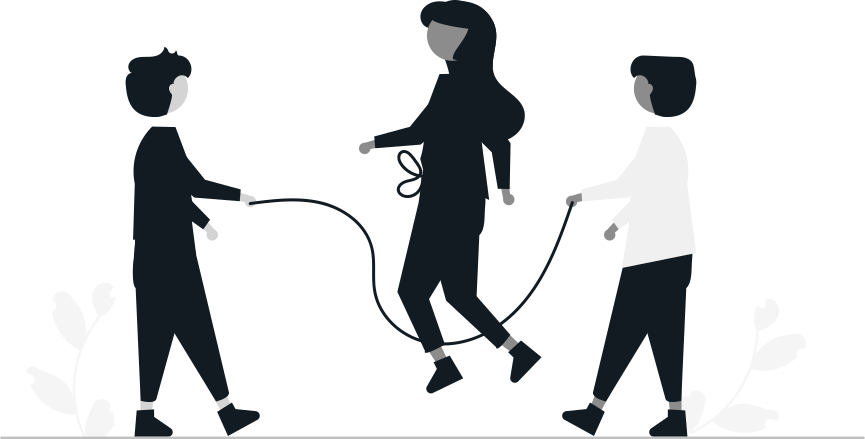
Children
Connected GPS watch
- Emergency button that alerts and calls the parents
- Direct call to the watch, wherever your child is
- Focus mode during class hours
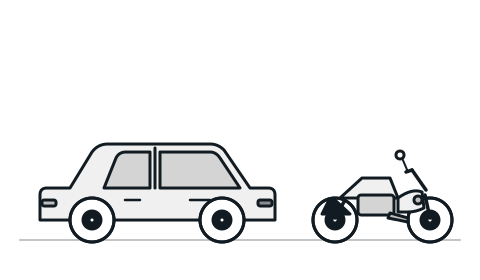
Vehicles
Car, motorbike, truck
- Remote fuel cut-off in case of theft
- Alert on unusual start-ups at night
- Monitoring of your ride-hailing or moto-taxi driver
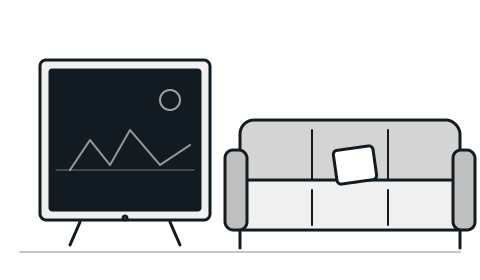
Assets
Television, computer, and more
- Movement alert when an asset leaves your home
- Long-lasting battery (entire months)
- Discreet, waterproof, easy-to-hide tracker
From the app to the first position: 5 minutes.
Download the app
Available on the App Store and Google Play. Create your account in seconds and protect it with a fingerprint, Face ID or a password.
Add your device in 2 min
Scan the QR code on the back of the watch or the tracker. Pairing is automatic, with no technical setup.
Set your zones and your alerts
Draw the school and home zones, set the battery threshold and turn on the emergency button. You are ready.
Your data is yours. Full stop.
The security of the app matters as much as the safety of the people you love. Fingerprint, encryption and anti-stalking rules by default.
A monthly subscription. The kit, once.
You start with 30 days free. After that, you pay the monthly subscription. The hardware is billed separately when you order. The app is included.
Child Kit
- Waterproof GPS watch
- Emergency button (SOS)
- Direct call to the watch
- Focus mode & zones
- 30 days free
Vehicle Kit
- 12V wired tracker
- Remote fuel cut-off
- Unlimited zones
- 90-day history
- 30 days free
Asset Kit
- Long-life battery beacon
- Movement sensor
- Periodic location
- Allowed zones
- 30 days free
Three uses, three stories.
“In the morning I watch my daughter reach school on the app, and I get the zone entry alert. In the evening, once focus mode is off, she can call me from her watch. It is exactly what we needed.”
“My ride-hailing driver was starting the car at night for personal trips. The app notified me by the third time. Fuel cut-off, problem solved.”
“A TV was stolen from my flat. The beacon sent a movement alert, then its position 30 minutes later. The equipment was recovered the next day.”
Frequently asked questions.
The Bedones app is available free of charge on the App Store (iPhone) and Google Play (Android). It is included with every subscription, at no extra cost.
The emergency button on the watch immediately triggers three things: a notification to every configured contact, an automatic phone call, and a live location broadcast. You can add several emergency contacts in the app.
About two minutes. You download the app, you scan the QR code on the back of the watch or the tracker, and pairing happens automatically. All that is left is drawing your zones and setting your alerts.
You schedule time slots — class hours, for example — during which games, entertainment and outgoing calls are disabled on the child's watch. Location for parents and the emergency button stay on at all times.
Yes. The app locks with a fingerprint, Face ID or a password. Your locations are encrypted and private by default: only you, and the family members you invite, can see them.
Zone entry and exit, low battery (with an adjustable threshold), movement detected on a stationary asset, signal loss, and the emergency button. Each alert type can be turned on independently in the settings.
Mobile Money (MTN MoMo, Orange Money, Wave), bank card (Visa/Mastercard) and cash on delivery. Available in several sub-Saharan African countries.
Yes. From the app, invite other members with their phone number. They receive an invitation link and can view, in read-only mode, the devices you share with them.
Protect what matters to you.
Download the app, order your kit, receive it within 72 hours.